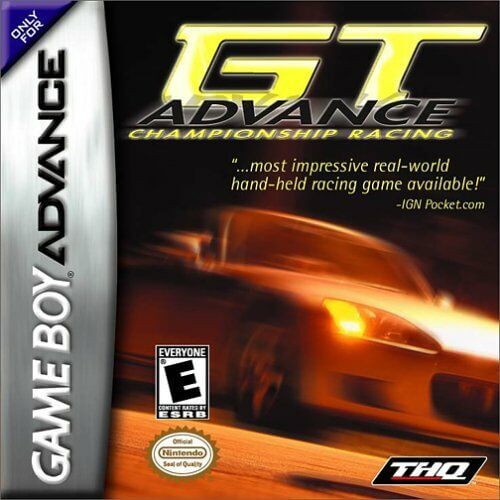
Game Boy Advance2001
Race at high speeds on circuits around the world, competing for championship titles and unlocking faster cars in this classic racing game.
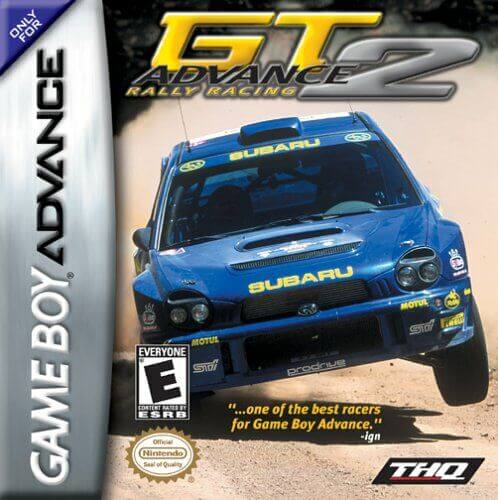
GT Advance 2: Rally Racing puts players behind the wheel for intense rally events across varied landscapes, demanding precise drift control and quick reflexes to conquer challenging courses and claim victory.
ROM
Controls
Players steer vehicles using the D-pad, accelerate with the B button, and apply the brake with the A button. Shoulder buttons are utilized for gear shifting in manual transmission mode.
About
In GT Advance 2: Rally Racing, players take on the challenge of professional rally competitions set in diverse global locations. The goal is to post the fastest lap times while skillfully managing car performance and adapting to changing terrain conditions.
The game includes more than 30 licensed vehicles, each with unique handling and performance attributes. A sophisticated physics engine realistically models weight transfer and traction loss on surfaces such as dirt, gravel, and snow.
Players can choose from a full Campaign mode, Time Attack, or a two-player Link Cable multiplayer option. Customization features allow tuning of gear ratios and suspension settings to tailor the car's behavior for specific stage conditions.
A technical standout on the Game Boy Advance, GT Advance 2: Rally Racing employs scaling effects to deliver a smooth, pseudo-3D perspective that captures the excitement of off-road racing.
Embed Code
Embed this retro game on your site so visitors can play it right on the page.
Tip:Copy the code above into your HTML and the game will render directly on the page across modern browsers and mobile devices.
Games
Race at high speeds on circuits around the world, competing for championship titles and unlocking faster cars in this classic racing game.
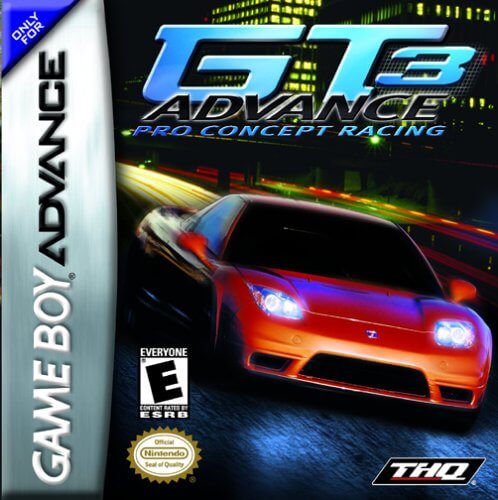
In GT Advance 3: Pro Concept Racing, players engage in high-speed circuit races, fine-tune their cars, and strive for victories on diverse tracks to unlock performance upgrades.

Speed through colorful courses as beloved Nintendo characters, using items to gain an edge over rivals in this portable kart racing classic.

In the Game Boy Advance version of Need for Speed: Most Wanted, you strive to become the top street racer by pushing your vehicle to its limits in intense races and evading police pursuits, all while climbing the ranks of the infamous Most Wanted list.

In Need for Speed: Underground 2 for the Game Boy Advance, players build their street racing career by winning races and challenges, earning cash to buy and extensively customize both the performance and appearance of their cars.

Compete in underground street races, earning cash to upgrade and customize your car as you rise through the ranks.